Check data usage on iPhone (iOS 26)Updated 2 months ago
📱 iPhone (iOS 16 and later)
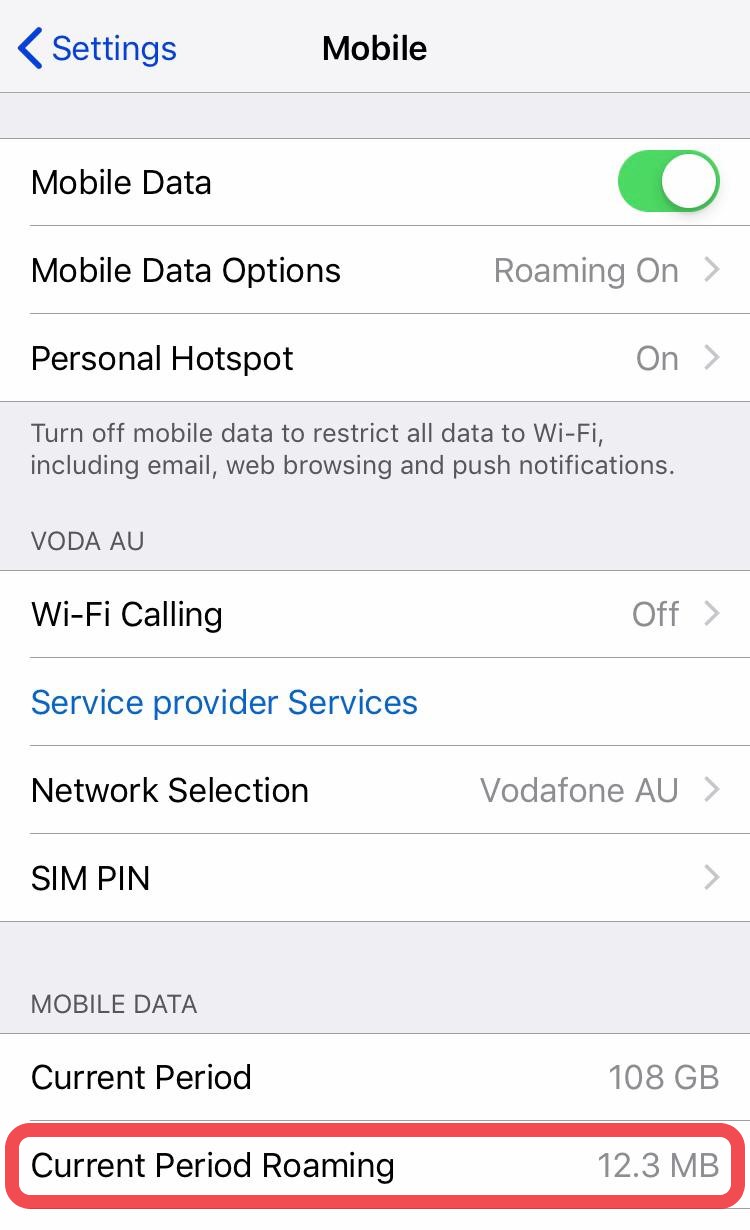
Go to Settings → Mobile Data
Scroll down to find Current Period Roaming
Note: This section only appears if your eSIM is turned on and set as your default line for mobile data. Make sure your eSIM is active for accurate tracking.
Other Devices
If you’re using a different device and can’t locate your data usage settings, simply search online for “[your device model] check data usage” — you’ll find step-by-step instructions easily.